Mirage examples
What this is:
Mirage is an immediate-mode 3D engine for simple games, on the
desktop and in the browser. Every example below is the browser
build of the one in the repository, packaged by
cargo mirage web and served cross-origin isolated so
the game runs on a worker over shared memory.
Click an example to play it. On the desktop the same example runs
with cargo run --example <name> from a checkout.
This browser does not expose WebGPU, so none of the examples will
start. Chromium-based browsers ship it on. Firefox on Linux ships
it off: open about:config and set
dom.webgpu.enabled to true, then reload this page.
Examples:
-
 Play
Play
sprite-adventure
- Sprites
- Relief lighting
- Custom surface
- Save data
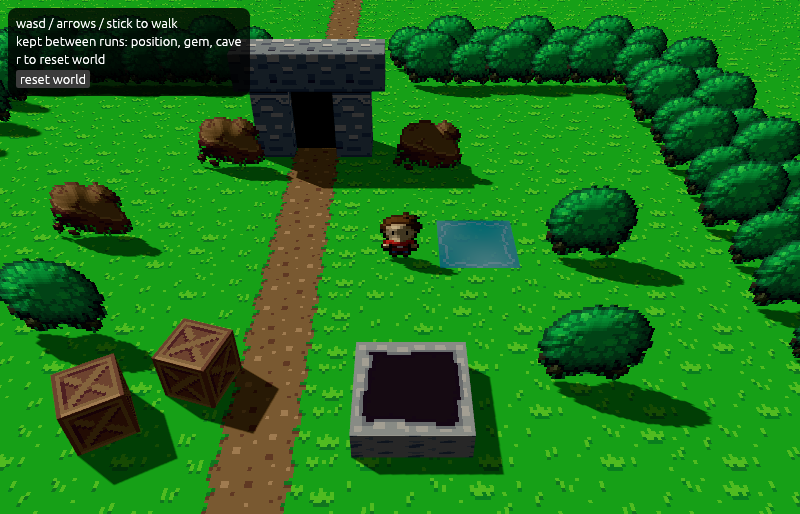
A two-area world with a custom water surface, a torch-lit cave through a portal, and progress saved across runs. The sprites are lit in 3D through relief maps.
-
 Play
Play
animation
- glTF
- Skinned animation
- Blending
- Shadows
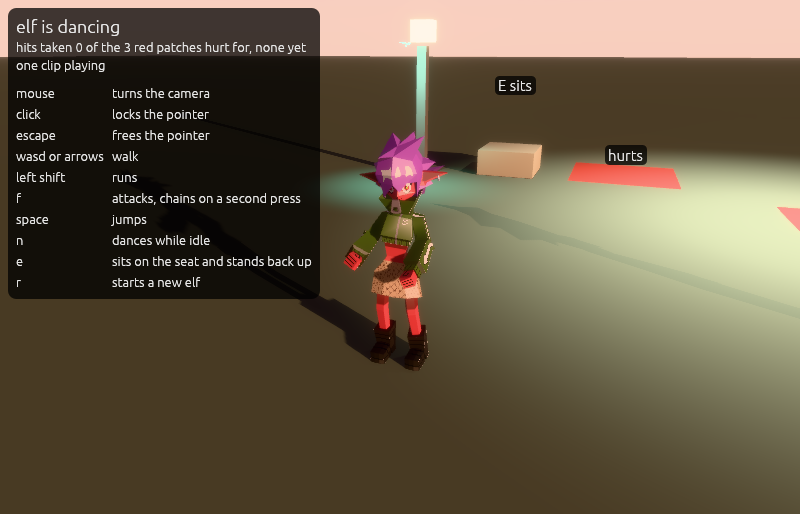
A character under an animator over ten states, with clips that loop, play once, or blend by walking speed. A sun, a shadowed lamp post and a spot light light the scene.
-
 Play
Play
breakout-game
- Fixed-step tick
- Point lights
- Sound
- Menus
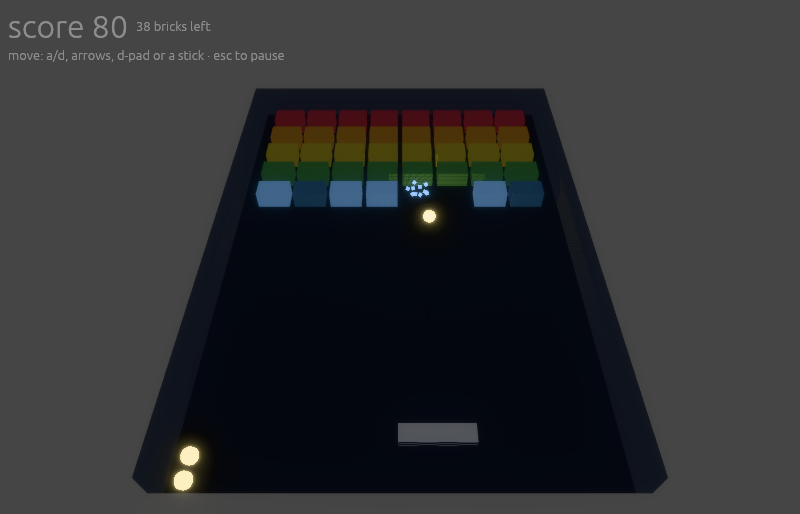
A paddle bats a ball at a grid of bricks under fixed-step physics, the ball and its spares the only lights in the court, with sound, music and menus.
-
 Play
Play
isometric-board
- Orthographic
- Ray picking
- Generated mesh
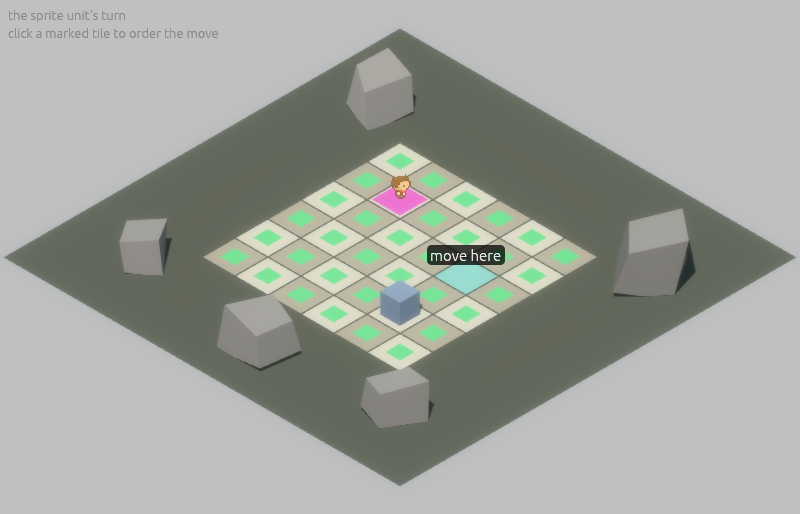
A fixed diagonal view through an orthographic projection. A click selects a unit, a click on a tile orders it there, and a rock is built by arithmetic per seed.
-
 Play
Play
ui-fonts
- Custom fonts
- UI
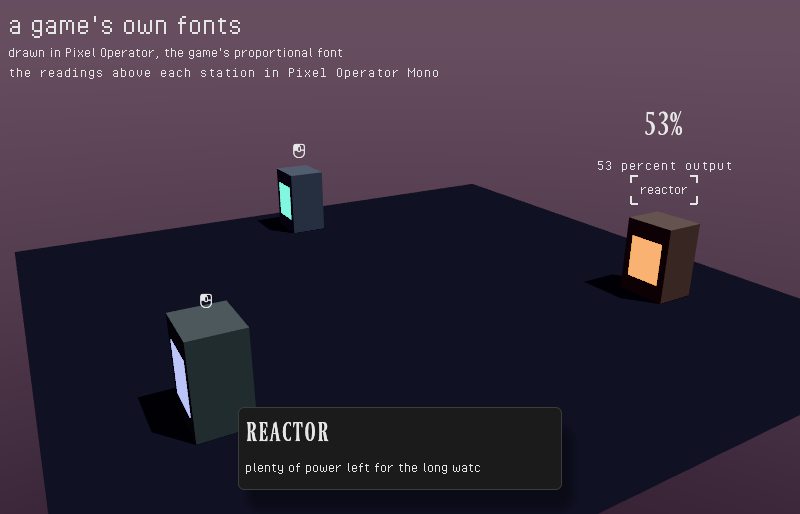
Custom fonts in the UI, and a line of text that types out when you click a station.
-
 Play
Play
input-lab
- Gamepad
- Actions
- Rebinding
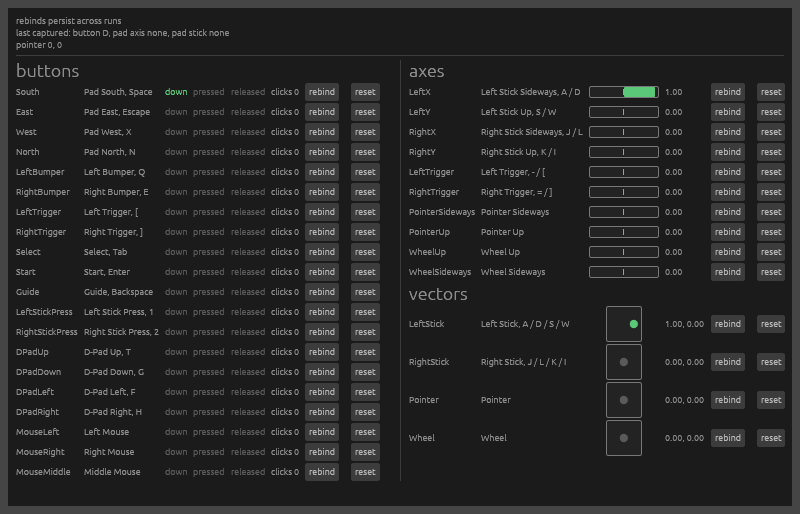
Every pad button, axis, stick, mouse button and wheel lane as a row in a table, each with its live bindings and buttons to rebind by capture.
-
 Play
Play
material-playground
- Skybox
- Materials
- Post chain
- Fly camera
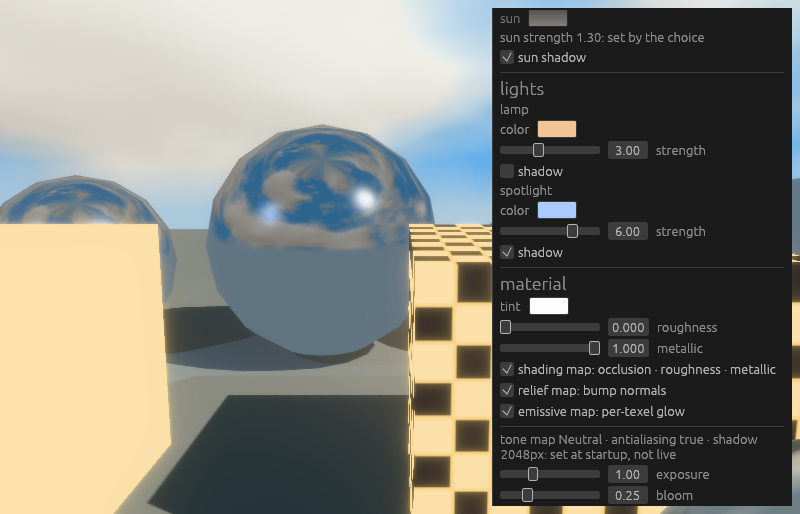
Sky, light, material and post chain controls on panels. Choose between skyboxes and their lighting, then fly through the scene.
-
 Play
Play
post-effects
- Post effects
- WGSL
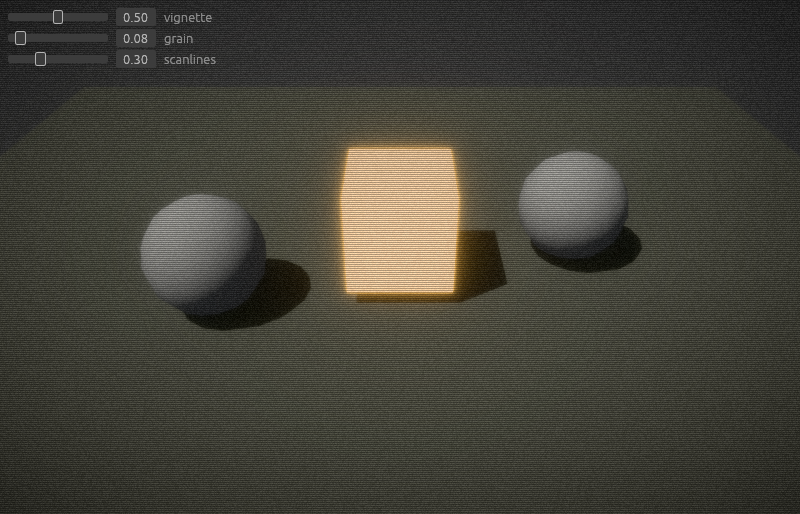
A vignette, grain and scanlines over a lit scene, each one a custom post effect with live controls, showing how a game writes its own screen-space effects.
-
 Play
Play
sound-lab
- Spatial audio
- Sustained cues
- Falloff
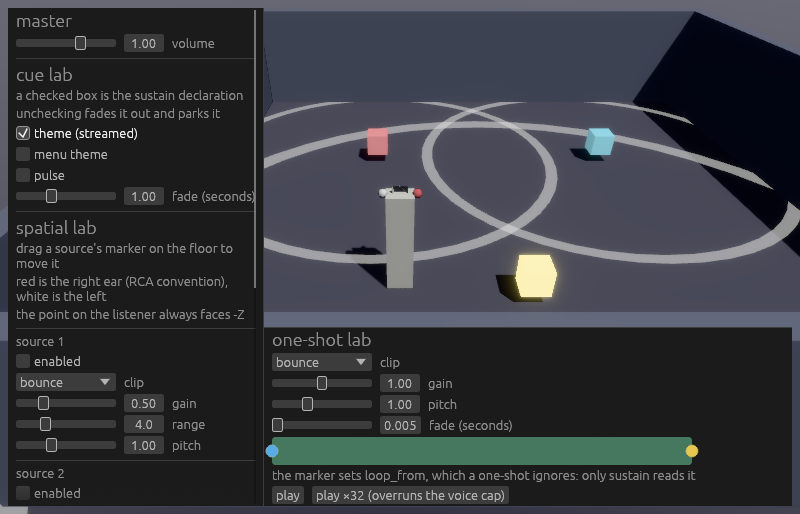
One-shots, sustained cues, and three placed sources you drag around the room. Walk with WASD or a stick to hear the mix change.
-
 Play
Play
stress-preview
- Instancing
- Frame cost
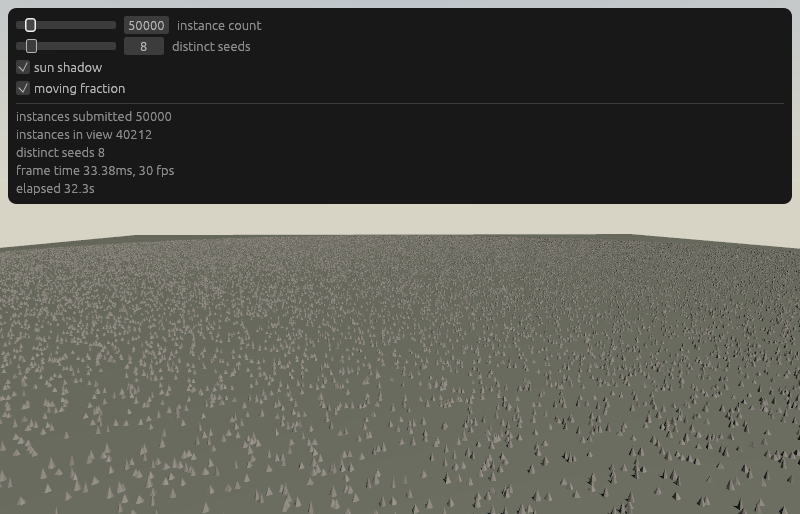
A field of thousands of generated rocks instanced to the horizon. Set the instance count to see what the engine handles, with a report of what each frame costs.